
QuickBooks AP Automation: Invoices, Approvals & Accounting
When done manually, accounts payable can be quite a passive process. Invoices will sit in a communal inbox, and nobody can approve them as they are on a journey. You might have duplicate entries of the same invoice. And lastly, you won’t have visibility for your cash planners on what the company has already committed to. The QuickBooks Accounts Payable automation helps reduce this by making the end to end process more streamlined whilst keeping the financial controls in place to keep your ledger accurate.
What is QuickBooks AP Automation?
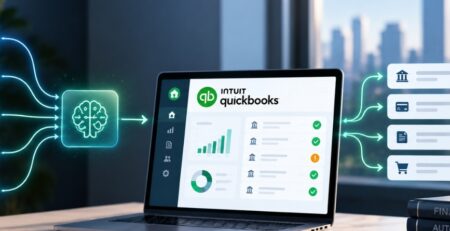
QuickBooks AP automation is a series of integrated functions that allow you to receive invoices via email, vendor portal, and document upload. Data is extracted from your invoices and matched to purchase orders and vendor information. Then the correct approver receives it for approval before posting it as a bill or expense in QuickBooks. From here, payments can be scheduled.
You can automate this in several ways: using native QuickBooks functions, an external AP application, or bespoke software. The principle is the same: QuickBooks will be your source of truth. This ensures only data that has been verified and approved will enter your accounting system.
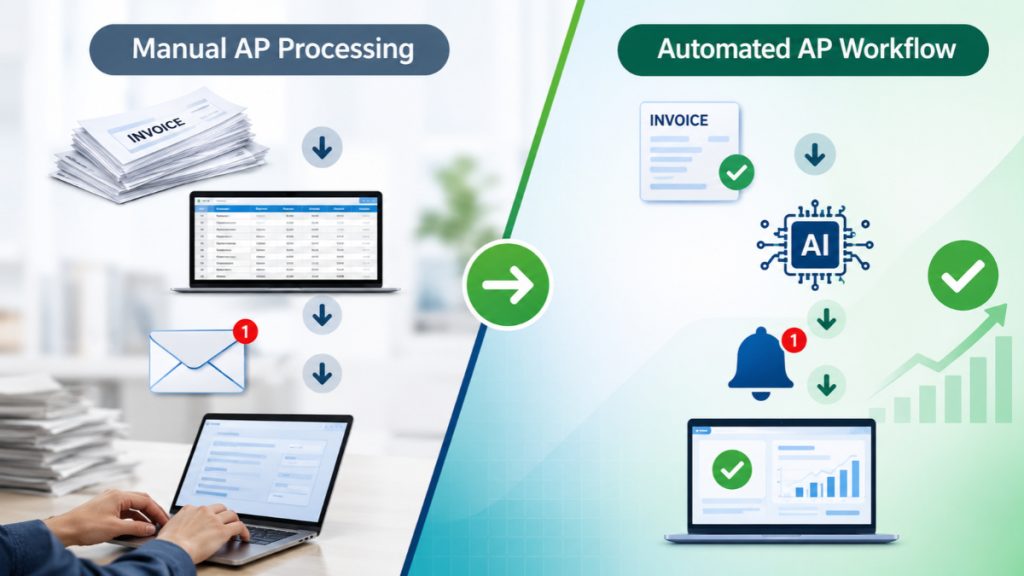
Manual AP Processing vs. Automated Workflows
Manual Processes
An invoice is converted to a PDF that must be manually read and entered into a new form. It is then emailed for approval. This can result in delays at each stage of the process and creates more room for errors to occur. Also, there is no clear visibility of who has approved the invoice as it will be sitting in inboxes.
Automated Workflow
Each step of the process becomes visible to you. You can track who has done what and when. This doesn’t necessarily speed things up but does mean that your finance team has less time spent typing and chasing. They can spend more time on exceptions.
Accounts Payable Streamlined Through Automation of QuickBooks
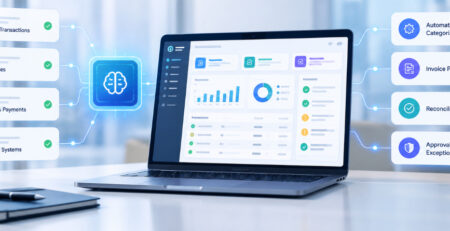
Instead of fully automating the process, it will automate certain steps of the Accounts Payable cycle. It will automatically capture invoices, match them, route them, and post them instead of manually typing them in. This then means that only the invoices that fail at the check stage will need human intervention.
Invoice Capture & Extraction
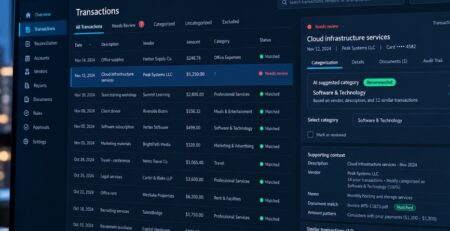
Invoices are captured digitally and grouped into one queue from emails and uploads. This information can then be extracted using OCR and AI technology to pull out key data such as vendor information, invoice numbers, dates, line items, tax, and total. The extraction process is probabilistic which means accuracy depends on the quality and formatting of documents. Validations from the source document and confidence levels are more important than overall accuracy percentages.
Invoice Matching and Duplicate Detection
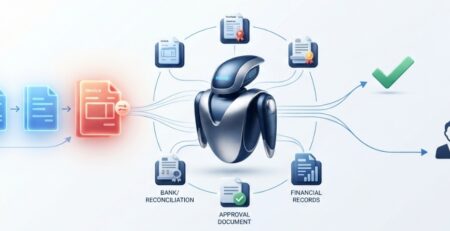
Where purchase orders, receipts, or vendor records exist, invoices can be matched against them: two-way matching against the PO, or three-way matching that adds goods or services received. Duplicate detection compares vendor, invoice number, amount, and date against existing transactions. A flagged mismatch becomes a documented exception instead of a payment error discovered weeks later.
Posting Validated Data to QuickBooks
Once a QuickBooks invoice automation is validated and approved, its data can create the corresponding bill in QuickBooks, with vendor, accounts, classes, and due date applied. What is possible depends on the QuickBooks product version, the QuickBooks AI integration method, and the configured workflow, so posting rules should be confirmed against the actual environment rather than assumed.
Automating Invoice Approvals Without Losing Financial Control
Approval automation replaces scattered email requests with defined responsibility. Each invoice has a named approver, a visible status, and a recorded decision. Finance leaders can see what is waiting and on whom, and auditors can see who approved what and when. Automation should make control stronger, not just faster.
Rules-Based Approval Routing
Routing rules can send invoices by value, department, vendor, project, or budget owner, with escalation when an approval sits past its deadline. These rules are deterministic by design. An AI model may suggest a coding or flag an anomaly, but who is authorized to approve a given amount should be an explicit policy, not a model output.
Exceptions, Permissions, and Human Oversight
The hard cases are disputed invoices, missing purchase orders, unusual amounts, and vendor bank-detail changes, which are a common fraud vector and warrant independent verification. Segregation of duties should keep the person who creates a vendor from the person who approves payment, and role-based permissions should limit who can modify records. Approval thresholds should require human review for material decisions. An agent that prepares an exception for review is a very different proposition from one allowed to approve and pay on its own.
Connecting AP Automation with QuickBooks and Other Business Systems
An application that connects to QuickBooks is not the same as an AP process that works end to end. Reliability depends on the systems around QuickBooks: where purchase data originates, where documents are stored, how payments settle, and how those records agree with one another.
QuickBooks Integration with Procurement, Banking, and ERP Systems
Relevant integrations include purchasing tools that supply POs, expense platforms, document repositories that hold invoice images and contracts, banking systems for payment and reconciliation data, and ERP software where larger organizations run parts of the process. Each connection adds a dependency that needs an owner.
Data Consistency and Integration Reliability
Most integration failures are consistency problems. Vendor masters drift between systems, account mappings go stale, API limits throttle bulk operations, and a transaction fails halfway through. A dependable design includes vendor-master synchronization, explicit account mapping, retry handling that does not create duplicates, periodic reconciliation, and audit logs of every change. QuickBooks capabilities also vary by product edition and integration method, so these requirements should be validated early.
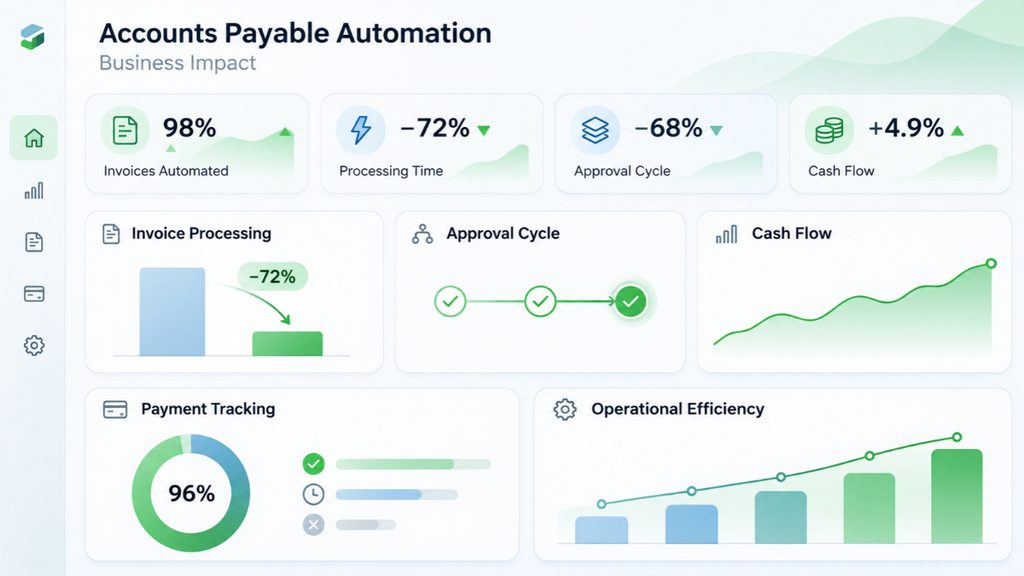
The Business Impact of QuickBooks AP Automation
The value shows up in finance and operations metrics, provided the baseline was measured before the project began.
Faster Processing and Better Cash-Flow Visibility
When invoice status and approval timing are visible, finance teams can see upcoming obligations earlier, plan payments against cash position, and reduce late-payment exposure. An invoice that is approved but not yet scheduled is a known commitment rather than a surprise.
Measuring ROI Beyond Processing Speed
Speed alone is a weak case. A better scorecard tracks invoice processing cost, exception rates, duplicate payments, approval cycle time, overdue invoices, and staff time per invoice. Without baseline data for these, any savings estimate is speculation, and a vendor’s benchmark is not a substitute for your own numbers.
When Does Your Business Need Custom AP Automation?
Standard QuickBooks features or an existing AP application are often sufficient for single-entity businesses with moderate invoice volume and straightforward approval chains. Bespoke development becomes worth considering when the workflow no longer fits the tools.
Handling Complex Workflows and Enterprise Requirements
Signs of that include multi-entity accounting, multi-level approvals, industry-specific validation rules, high invoice volumes, and integrations with proprietary systems. A custom QuickBooks can coordinate these around existing infrastructure instead of forcing a replacement. The trade-off is real: implementation, maintenance, and governance costs add up, so the expected operational value should clearly exceed them.
Implementing QuickBooks AP Automation Successfully
Start by mapping the current AP process as it actually runs, not as documented. Clean up vendor and chart-of-accounts data before automating on top of it. Define approval policies, validate integration requirements, and test exceptions deliberately, since they cause most production problems. Measure results against the baseline.
Practical safeguards include strict access controls, complete audit trails, regular reconciliation, and phased deployment, beginning with one entity or invoice category before expanding.
Build a More Efficient Accounts Payable Workflow
Effective QuickBooks AP automation goes beyond processing invoices faster. It brings invoice capture, QuickBooks invoice approval workflow, and accounting integration together to create a more accurate and manageable process. When these elements work in sync, businesses can reduce manual effort, minimize errors, and maintain better control over their financial operations.
A well-structured AP workflow also needs to fit existing business systems and approval requirements. This means identifying process gaps, improving system connectivity, and choosing enterprise AP automation solutions that support long-term operational goals. With the right approach, businesses can make invoice management more consistent without disrupting established processes.
E2ESP helps businesses identify the right opportunities to improve AP workflows through practical software solutions, system integration, and intelligent automation.